A Keyboard with Custom Style and Custom Layout
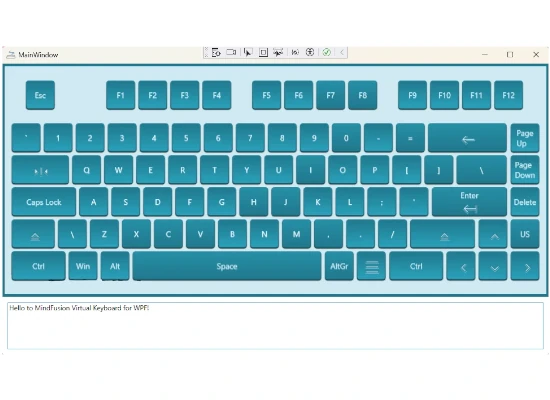
Learn how to load a custom layout for the keyboard and apply unique styling for special keys using data triggers for the VirtualKey property.
 Run
Run
 Download
Common API
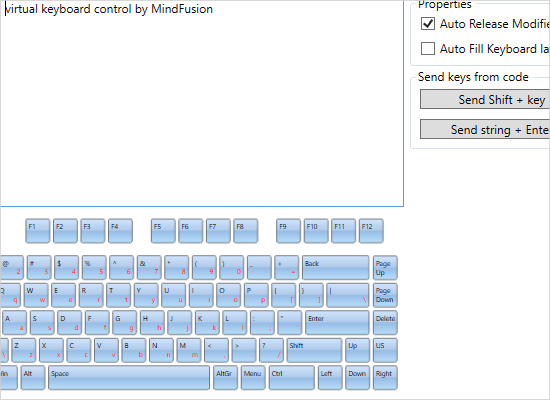
The sample shows you how to send key strokes from code, how to auto fill the keyboard layout and how to auto release modifier keys.
Layout Ring
This sample project demonstrates how to set up a layout ring, which allows a LayoutRingKey on the keyboard to cycle through a sequence of keyboard layouts. The LayoutRingKey displays either the Image or Label property of next KeyboardLayout.
Layouts
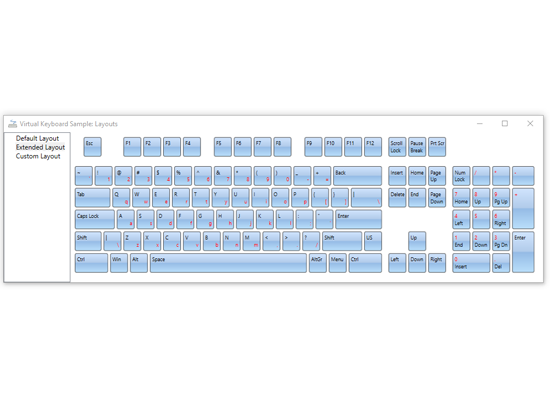
The sample demonstrates the default layout of the virtual keyboard, the extended layout and a custom layout. The control allows you to create a keyboard with whatever layout and number of keys you want.
Numpad View
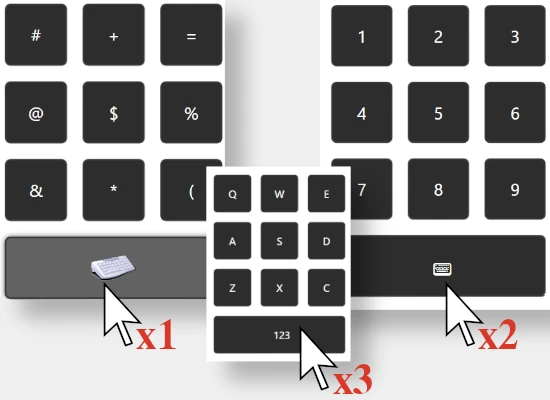
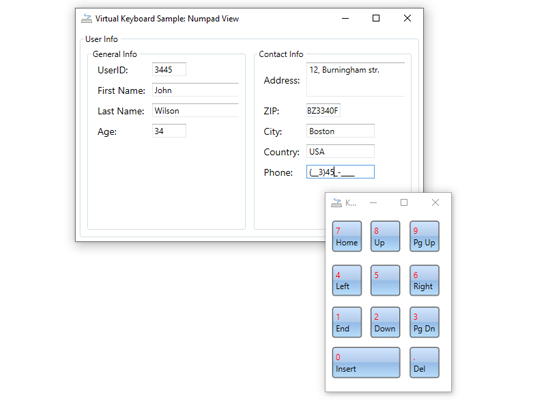
The sample shows just a numpad keyboard when the focus is on fields that accept only numerical data. For the rest of the fields the full keyboard is rendered.
Popup Keyboard
This sample shows you how to make the keyboard popup automatically when the application starts. The focus is on a text area in the application.

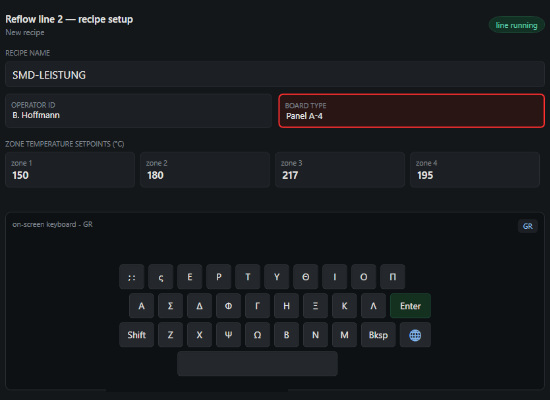
SMT Reflow Oven Recipe Setup Interface
Seamless switching between a dedicated numeric pad for temperature setpoints and a full alphanumeric keyboard for recipe naming. Global Layout Ring with real-time language switching (EN, DE, GR, RU, ES) with full Unicode support and localized characters.
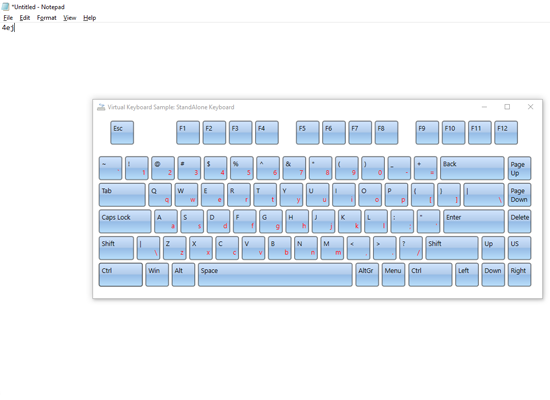
Standalone Keyboard
The sample shows you how to use the control as a standalone keyboard. Key strokes are rendered on the document that has the current focus.