


MindFusion's Diagram Control for WPF is the ultimate tool for developers looking to build sophisticated and interactive diagrams in their desktop applications. Engineered for the WPF platform, it provides a feature-rich API, extensive XAML customization capabilities, and powerful data-binding that integrates seamlessly into any MVVM architecture. From complex industrial workflows to dynamic business charts, our library gives you the power to visualize your data without limits.
Create stunning and informative diagrams for any industry with our versatile WPF component.
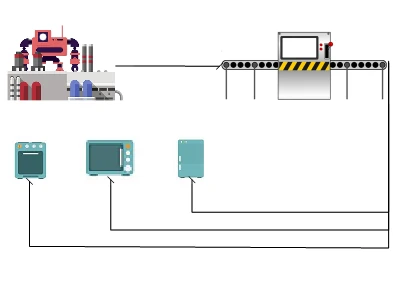
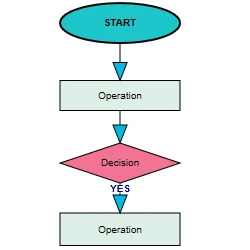
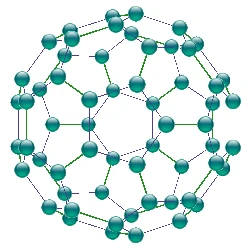
The WPF Diagram is the perfect choice for rendering engineering applications, process automation, and creating clear operational diagrams.
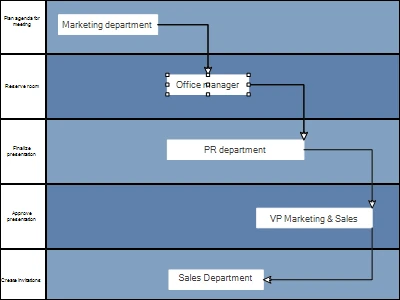
Visually design and optimize complex business processes and system workflows with full control over shapes, links, and appearance.
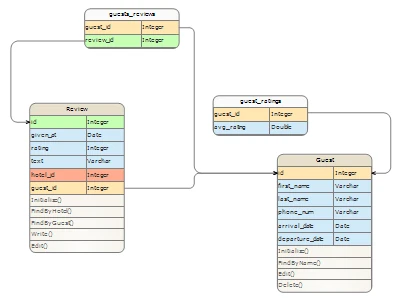
Design complex database architectures with precise Entity-Relationship (ER) diagrams. Easily map out entities, attributes, and relationships for robust data models.
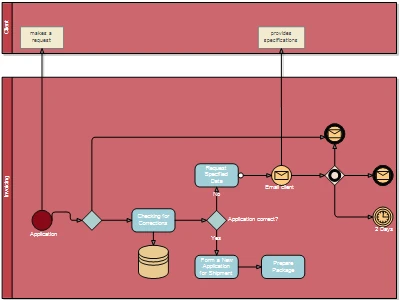
Model and optimize business processes and workflows using industry-standard notations like BPMN. Visually define stages, roles, and decision points for clear, actionable operational diagrams.

Effortlessly visualize hierarchical data, from organizational structures to complex taxonomies and classification charts.
A feature set built to take full advantage of the WPF platform.

Customize every aspect of your diagram's appearance using DataTemplates, ControlTemplates, and Styles. Create completely custom nodes and links that match your application's look and feel.
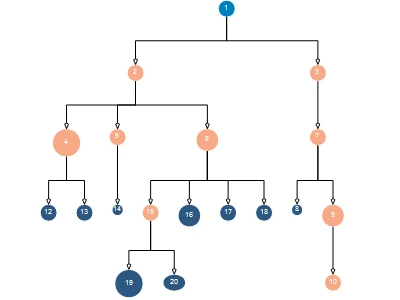
Instantly apply a wide variety of automatic layout algorithms, from Tree and Layered layouts to advanced Swimlane and Fractal arrangements, for optimal clarity.
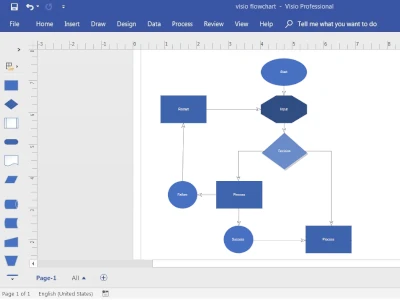
Seamlessly import diagrams from and export them to Visio .VSDX format, ensuring compatibility with industry-standard tools.
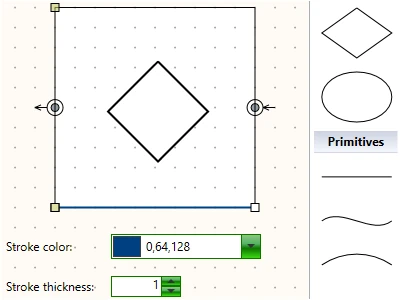
Create any shape you want using the intuitive UI of the ShapeDesigner component, which is part of the WPF diagram library.
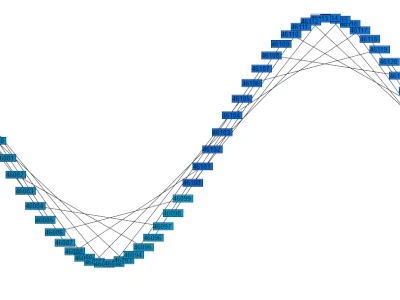
Achieve fluid performance with the VirtualizingDiagram control, effortlessly rendering hundreds of thousands of nodes without any drop in speed or responsiveness.
Whether you’re building standard flowcharts, need advanced 3D rendering, or want to compare and analyze diagrams, MindFusion WPF Diagram provides the necessary tools.

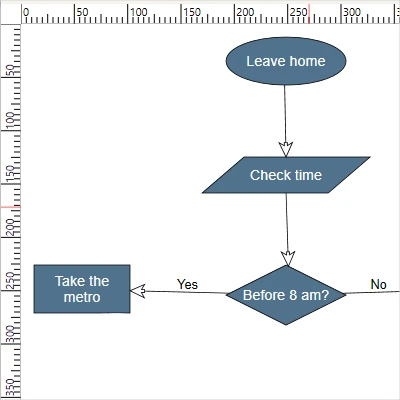
Integrates horizontal and vertical scales, enabling users to accurately measure, align, and position diagram elements for precise design.
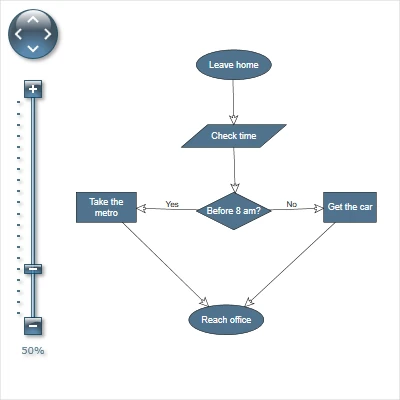
Provides intuitive controls for zooming and panning, enabling users to effortlessly navigate large and complex diagrams.
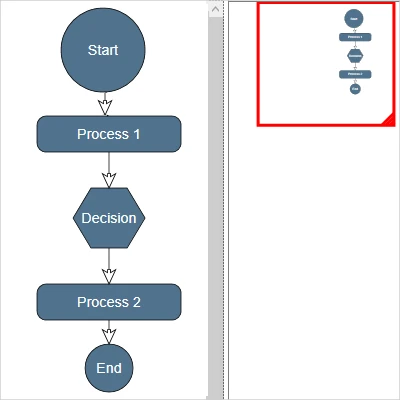
Offers a miniature, navigable view of the entire diagram, providing quick orientation and seamless panning for complex layouts.
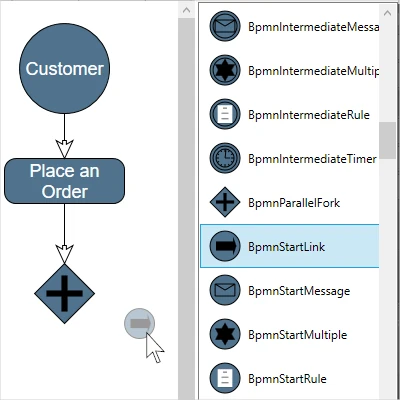
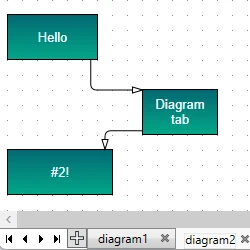
A customizable, drag-and-drop palette of diagram nodes of any type. Streamlines diagram creation, allowing users to quickly populate their canvas with elements.

Protect your application from supply-chain attacks and code bloat. Our libraries are self-contained, giving you a secure, lightweight, and stable foundation.

Our components are meticulously optimized to handle large datasets and complex interactions smoothly, ensuring a flawless user experience.

Get up and running in minutes with a clean and simple API. Your users will love the highly responsive and interactive components that make your application feel alive.

Get expert help fast. When you contact our support, you're talking directly to the developers who built the components.

Get started in minutes with dozens of samples and tutorials that demonstrate key features and provide practical, production-ready code you can study and reuse.

Gain ultimate control and security by purchasing the complete source code, allowing for in-depth audits, custom builds, and seamless integration into your private projects.

We offer perpetual licenses with significant discounts for small businesses and academia, and every license includes a full year of maintenance, updates, and technical support.
"We are using the WPF diagramming component and are very happy with its quality. Moreover, we thank the MindFusion team for the individual and highly motivated customer support."
Mr. Joerg Hubacher, CEO of AMADEE


