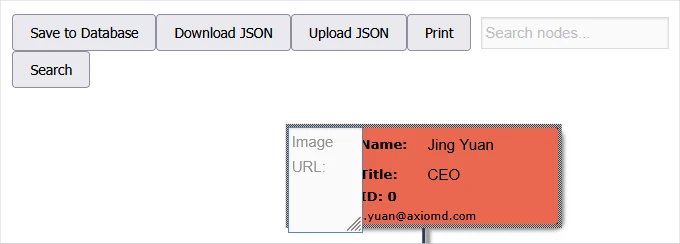
Learn how to install, use and license the Org Chart WordPress plugin by MindFusion.

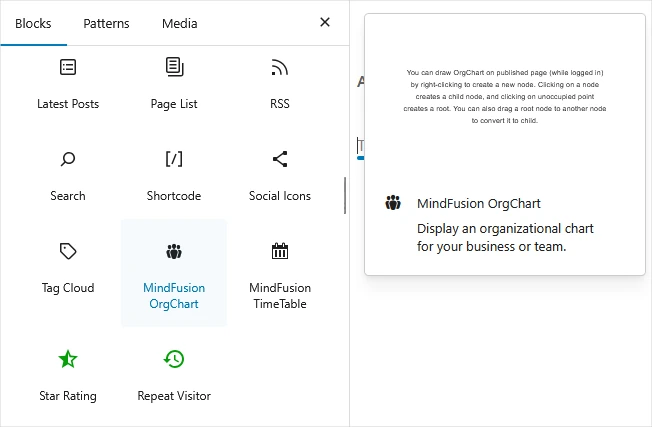
Search for the "MindFusion OrgChart" widget in the WIDGETS section into the Blocks bar in WordPress. Drag and drop it to add a new instance of the plugin.
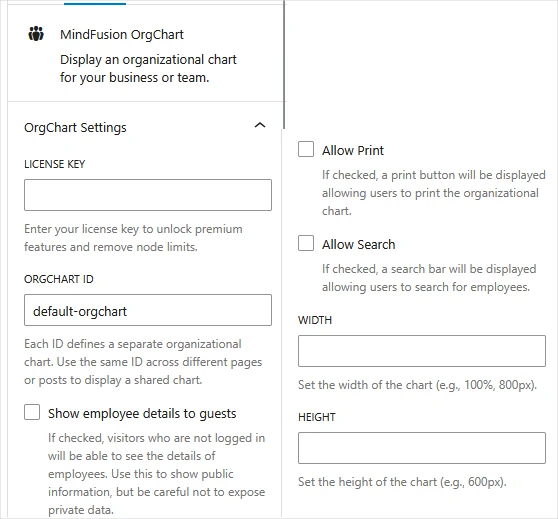
Use the settings to specify a unique identifier for the org chart or use the same ID to create a new instance of an exiisting org chart. The width and height fields allow you to resize your chart according to the data rendered. Check the "Show employee details to guests" box if you want the visitors of your website to be able to view the data.